
Flaticon Premium: practical uses, package scope, prices and Nanazon access steps. Review the important conditions before choosing your package.
Who is this package for?
Mixed line weights and inconsistent icons can make a tidy site or presentation feel unfinished. Flaticon Premium helps you research related icon families. This guide explains Nanazon’s access option, how to choose a file format and a practical way to assemble one coherent set.
Practical uses to consider
- Consistent icon collections
- File choices such as SVG and PNG
- Adaptation to brand colours
- Visual communication in interfaces and presentations
A practical project example
For a delivery app, choose tracking, address, notification and support icons from one family. Check recognition at small sizes; decorative detail should not obscure meaning. Hand over the files with sizing and colour notes so the developer can preserve consistency across screens.
Steps for your first project
- List the required icons.
- Choose one family and stroke style.
- Download SVG or PNG for the intended destination.
- Organise colour, sizing and licence information.
Package scope and important details
Check the formats offered for each resource at download time. Review asset-specific licensing and attribution conditions for commercial work. Package access does not automatically provide rights to resell an icon as a standalone product or register it as an exclusive trademark.
Nanazon package prices
Prices were checked on Nanazon’s product page on 14 November 2026. The current currency and checkout total apply when you purchase.
| Currency | Monthly | Yearly |
|---|---|---|
| TRY | TRY 50 | TRY 400 |
| USD | $1 | $10 |
| RUB | RUB 100 | RUB 800 |
| AZN | AZN 2 | AZN 15 |
Compare monthly access for short projects with yearly access for regular use. When comparing the yearly total with twelve monthly payments, make sure the package scope is the same. The yearly amount below is the total for that term, not a monthly instalment.
Flaticon Premium:
View the package and current conditions
How to get started through Nanazon
Nanazon provides access through its own service system and the method stated on the product page. Evaluate this as Nanazon’s access offer rather than assuming it has the same account model as an individual subscription purchased directly from the provider.
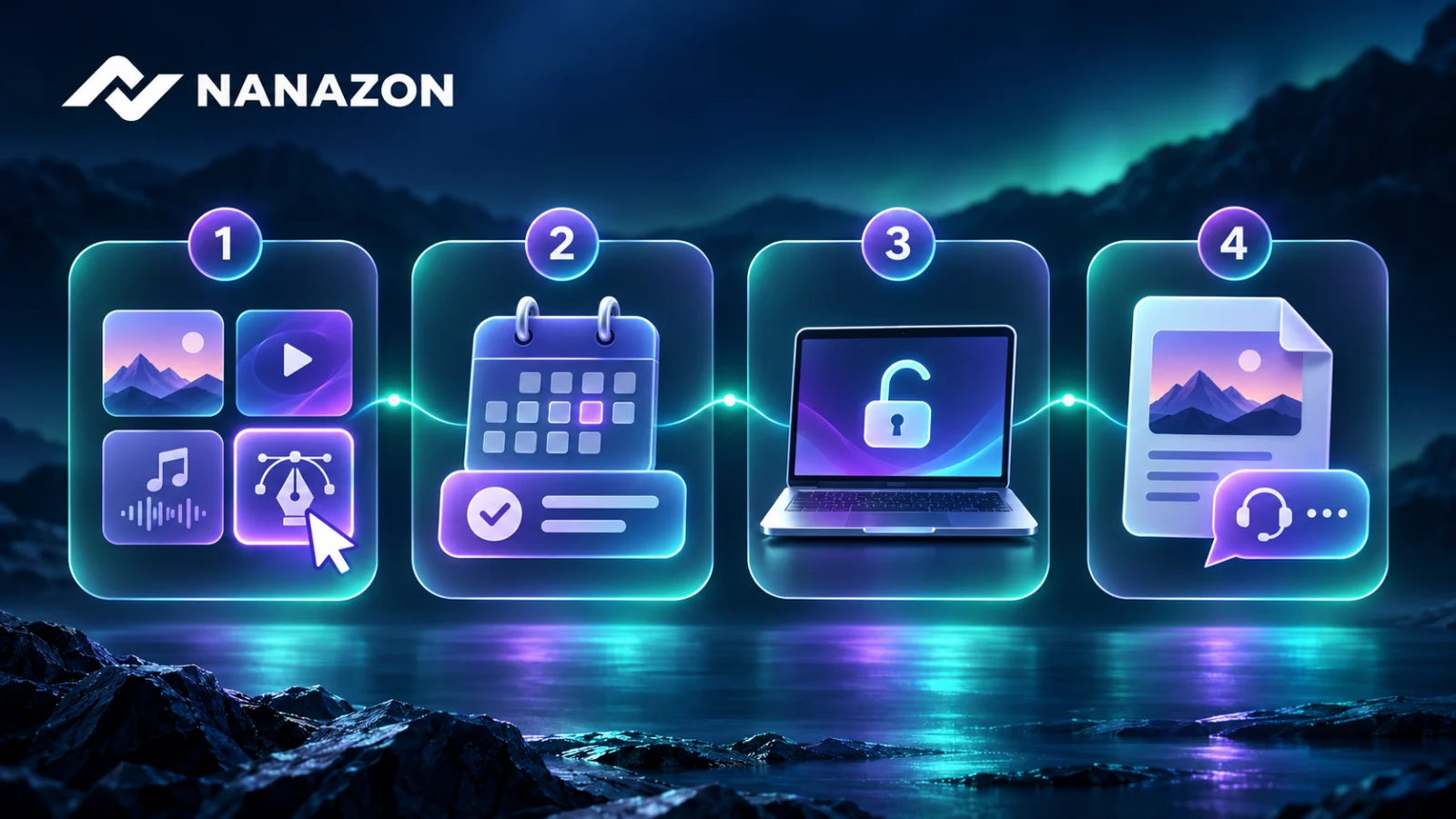
- Sign in to your Nanazon account and review the current product description.
- Choose a duration that suits your needs and check the total at checkout.
- After purchase, follow the launch and usage instructions shown for the package in your account.
- Watch the “How to Use” video on the homepage and contact Nanazon support if you have an access problem.
Nanazon support and service conditions
If you encounter an access issue, send support the package name, the time of the problem and the error message. Product descriptions state refund or compensation conditions for technical issues caused by Nanazon; the available resolution follows the current refund policy. Nanazon’s service guarantee should be evaluated separately from the provider’s direct subscription terms.
Review the usage and refund conditions: Refund conditions · User agreement.
Frequently asked questions
Should I choose SVG or PNG?
SVG suits scalable graphics; PNG can suit fixed-size images. Choose based on your software and project requirements.
Is this an individual subscription bought directly from the provider?
This article describes the access package offered on Nanazon’s product page. Consult that current description for account type, access method and limits.
Can prices change later?
Yes. The table records the prices at the stated check date. Confirm the current term, currency and total on the product page and at checkout.
Other Nanazon packages for your workflow
Compare the tools your project needs rather than choosing by name alone. Each package’s current scope is explained on its product page.
View the package and current conditions
Product information sources
Use provider sources for platform features and the relevant Nanazon product page for Nanazon access and pricing.
Images are AI-generated editorial illustrations made for Nanazon, rather than actual product screenshots.