Reset My Devices clears the device records linked to your Nanazon account. Learn when to use it, what happens to all listed devices, and how to reconnect afterward.
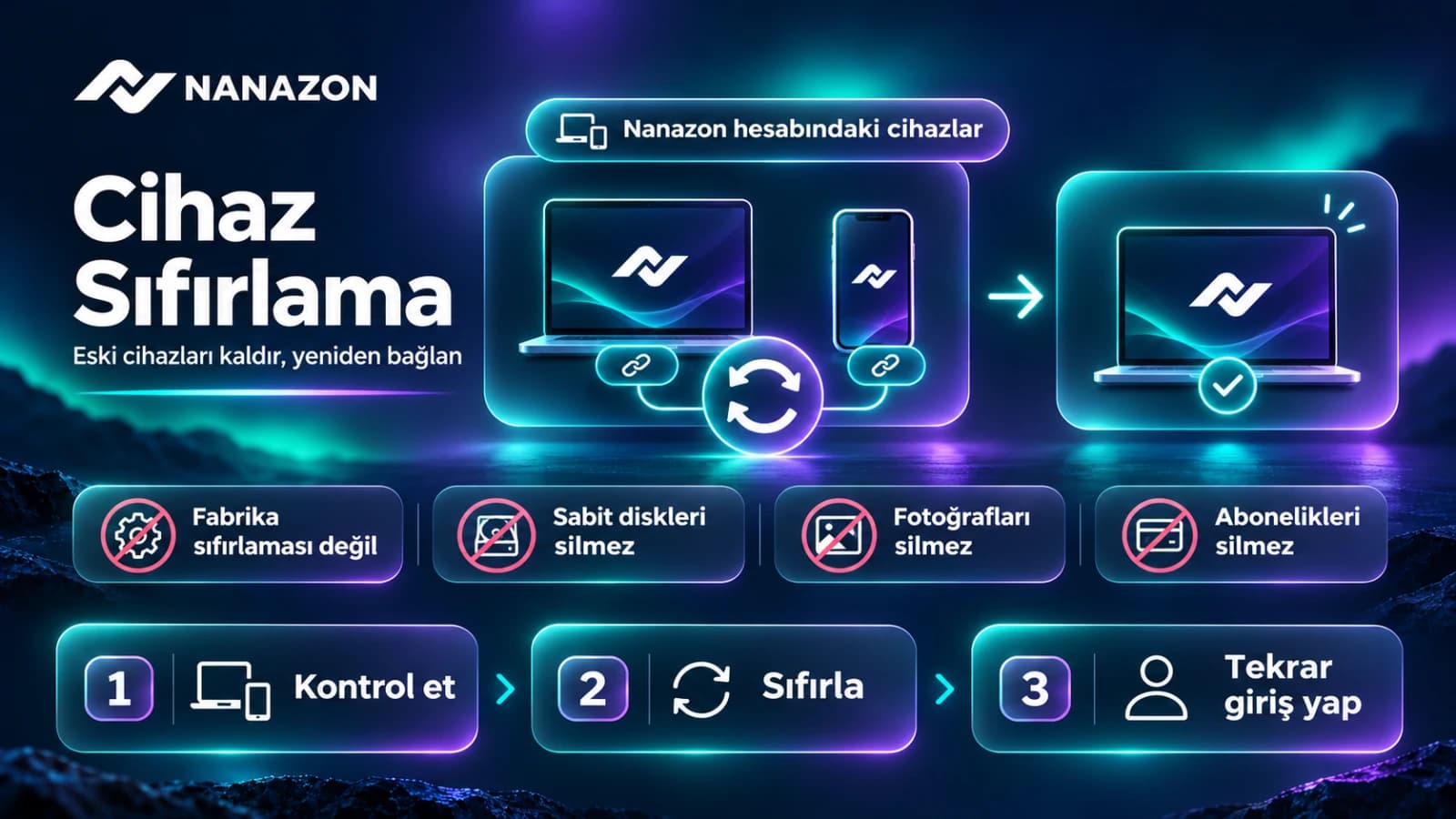
Device Reset clears device records linked to your Nanazon account. It is not a computer or phone factory reset. It does not erase local files, close your account or renew your package access period.
When can it help?
- You moved to a new computer and old device records remain.
- After reinstalling, the same device appears as a separate record.
- You see a device limit warning and need to remove records you no longer use.
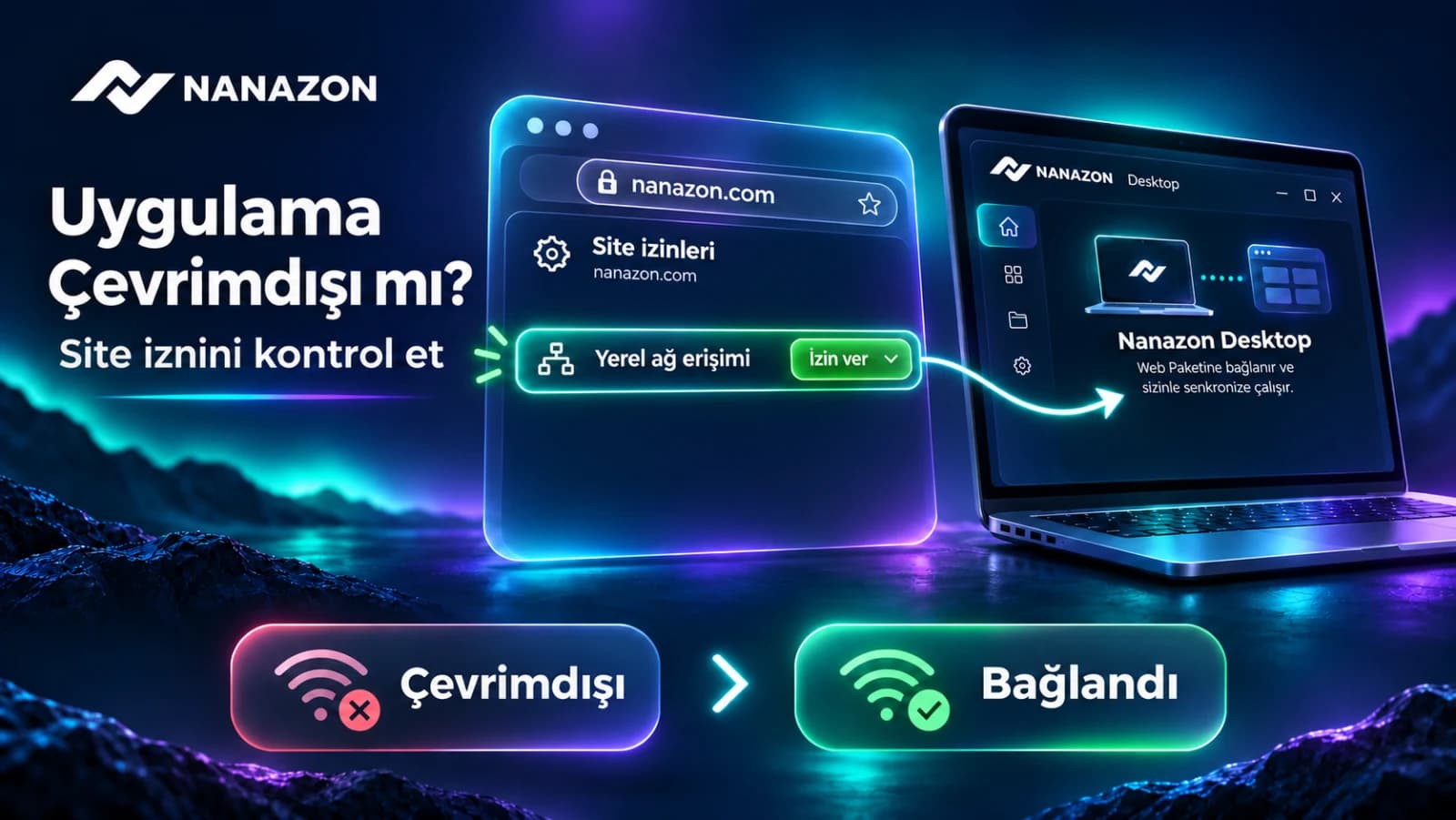
An open app showing offline is not always a device-record issue. Check your account, the app connection and browser local network permission first.
How to reset devices
- Sign in to the Nanazon website.
- Open Device Reset in the panel.
- Review device names and last connection times under My Devices.
- If needed, click Reset My Devices. It clears all device records for the account, not just one item in the list.
- Reconnect in the Nanazon app you want to use. If necessary, sign out and back in with the same account.
- Reload the web panel, check the connection and launch your active package.
Why is there a countdown?
The panel may display a 24-hour countdown after the last reset and temporarily disable the button. Wait for the time shown on the page. Contact support if urgent instead of repeatedly trying to reset.
What changes afterward?
The device records are cleared and your devices may need to reconnect. Your remaining package period continues as before; reset does not provide extra time, another package or another trial. This action alone does not guarantee that every already-open session closes immediately.
If you see an unfamiliar device, contact support and review account security. If reset fails, reload the page; send the time of the issue and a screenshot to support if it continues.