Canva Premium: practical uses, package scope, prices and Nanazon access steps. Review the important conditions before choosing your package.
Who is this package for?
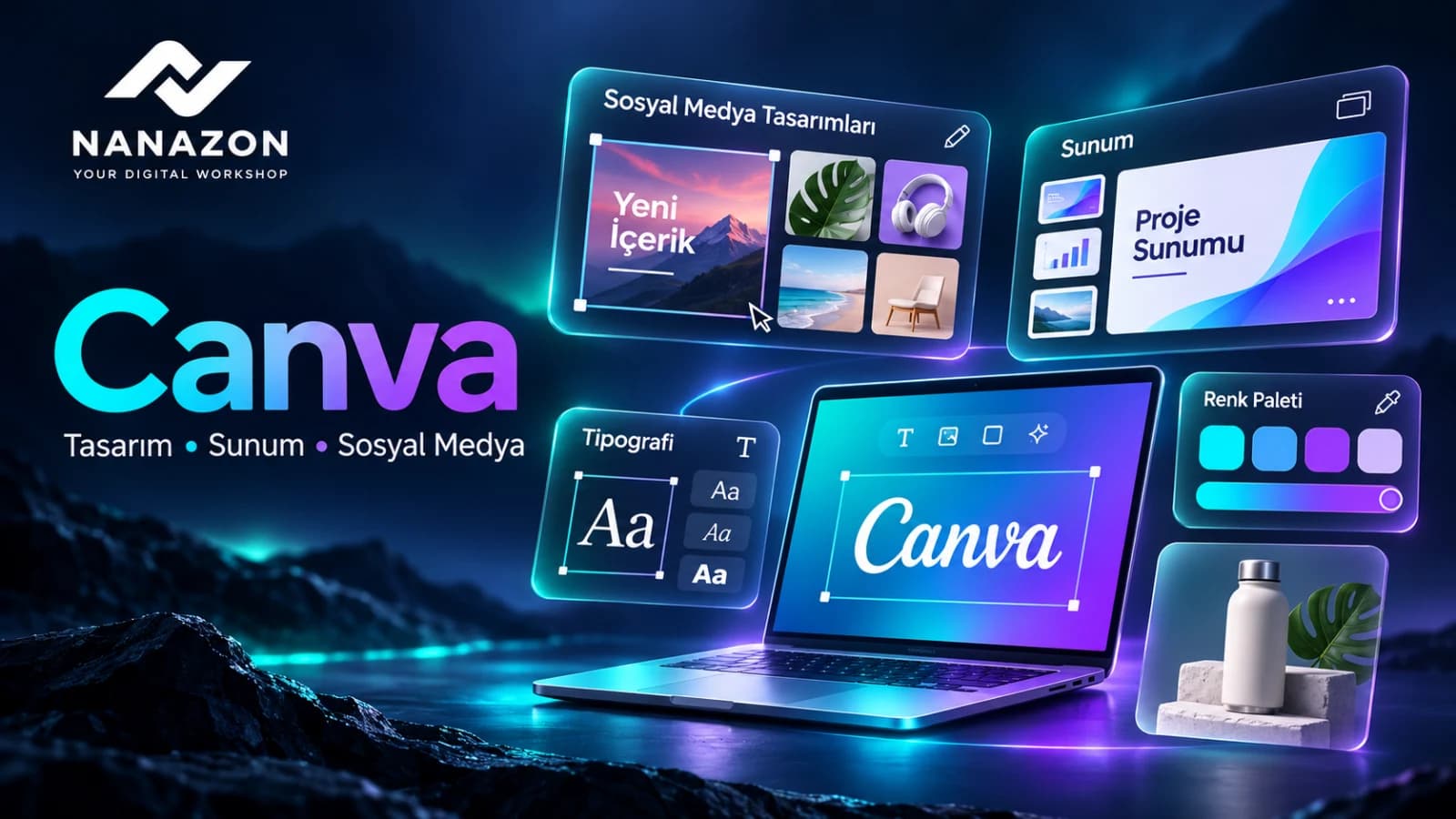
Rebuilding colours, fonts and layouts for every social post or client presentation takes time. Canva helps you adapt a starting design to your own message. This guide explains practical uses for Nanazon’s Canva package and how to plan a coherent set of visuals for your next project.
Practical uses to consider
- Premium social and presentation templates
- Photo, video and graphic editing
- Background removal for product images
- Consistent colours, logos and typography
A practical project example
For a café campaign, choose one palette before designing a menu announcement, story and presentation. Simplify the product photo’s background, shorten the message and check legibility on a phone. The separate assets will feel like parts of one recognisable brand.
Steps for your first project
- Choose the destination and canvas dimensions.
- Select a layout and colours that fit the brand.
- Replace sample copy and images with your own material.
- Check mobile readability and export the required format.
Package scope and important details
Nanazon does not guarantee Canva AI features or AI credits. Evaluate this package primarily for the design and editing functions listed on its product page. Availability of areas such as Brand Kit can depend on the account role and access provided.
Nanazon package prices
Prices were checked on Nanazon’s product page on 14 November 2026. The current currency and checkout total apply when you purchase.
| Currency | Monthly | Yearly |
|---|---|---|
| TRY | TRY 150 | TRY 1,000 |
| USD | $3 | $20 |
| RUB | RUB 300 | RUB 2,000 |
| AZN | AZN 6 | AZN 35 |
Compare monthly access for short projects with yearly access for regular use. When comparing the yearly total with twelve monthly payments, make sure the package scope is the same. The yearly amount below is the total for that term, not a monthly instalment.
Canva Premium:
View the package and current conditions
How to get started through Nanazon
Nanazon provides access through its own service system and the method stated on the product page. Evaluate this as Nanazon’s access offer rather than assuming it has the same account model as an individual subscription purchased directly from the provider.

- Sign in to your Nanazon account and review the current product description.
- Choose a duration that suits your needs and check the total at checkout.
- After purchase, follow the launch and usage instructions shown for the package in your account.
- Watch the “How to Use” video on the homepage and contact Nanazon support if you have an access problem.
Nanazon support and service conditions
If you encounter an access issue, send support the package name, the time of the problem and the error message. Product descriptions state refund or compensation conditions for technical issues caused by Nanazon; the available resolution follows the current refund policy. Nanazon’s service guarantee should be evaluated separately from the provider’s direct subscription terms.
Review the usage and refund conditions: Refund conditions · User agreement.
Frequently asked questions
Are AI credits guaranteed?
No. The Canva package description excludes an AI-credit guarantee. Review the current scope before purchase.
Is this an individual subscription bought directly from the provider?
This article describes the access package offered on Nanazon’s product page. Consult that current description for account type, access method and limits.
Can prices change later?
Yes. The table records the prices at the stated check date. Confirm the current term, currency and total on the product page and at checkout.
Other Nanazon packages for your workflow
Compare the tools your project needs rather than choosing by name alone. Each package’s current scope is explained on its product page.
View the package and current conditions
Product information sources
Use provider sources for platform features and the relevant Nanazon product page for Nanazon access and pricing.
Images are AI-generated editorial illustrations made for Nanazon, rather than actual product screenshots.